Critic Summary Review Type
Overview
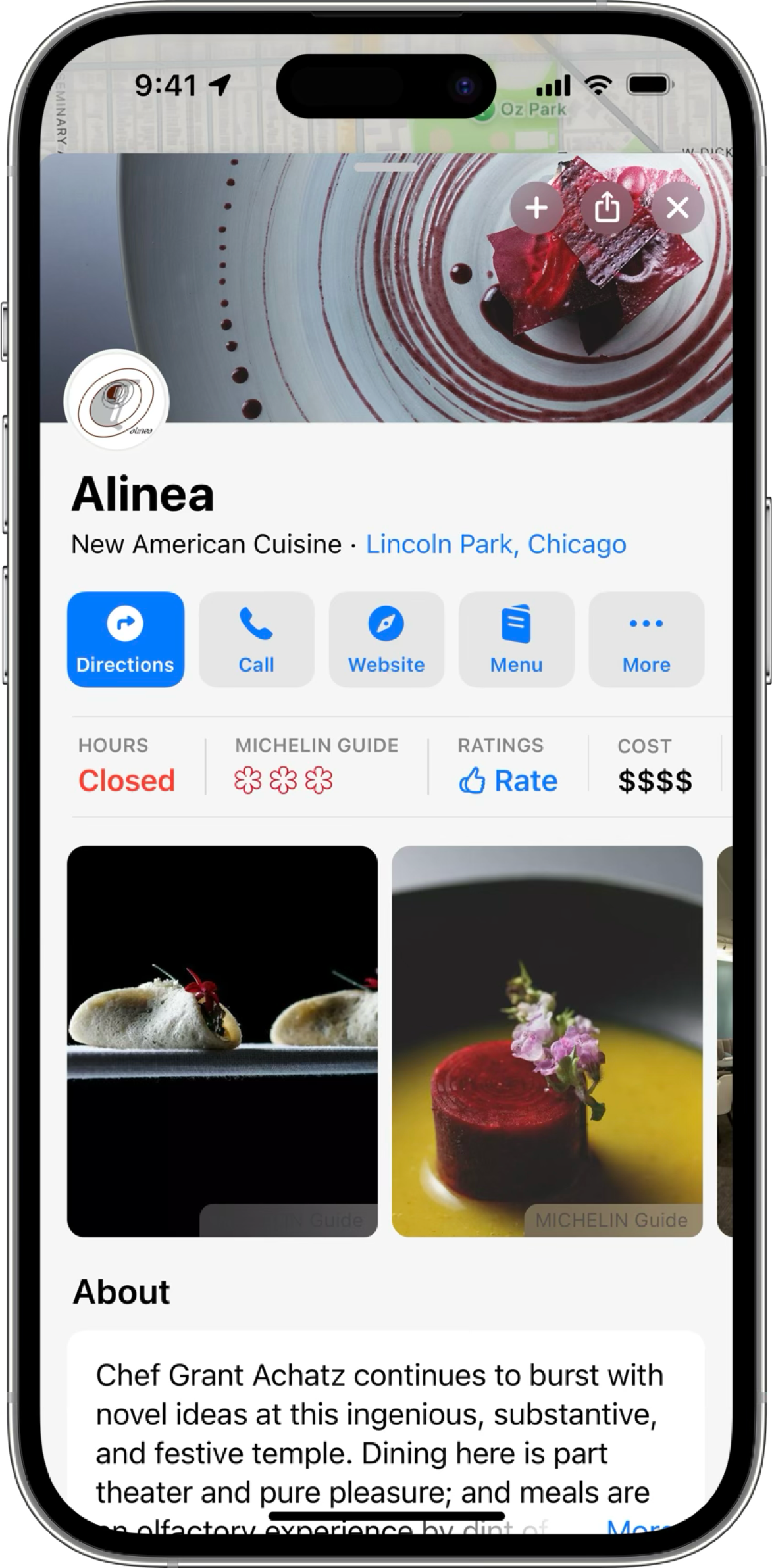
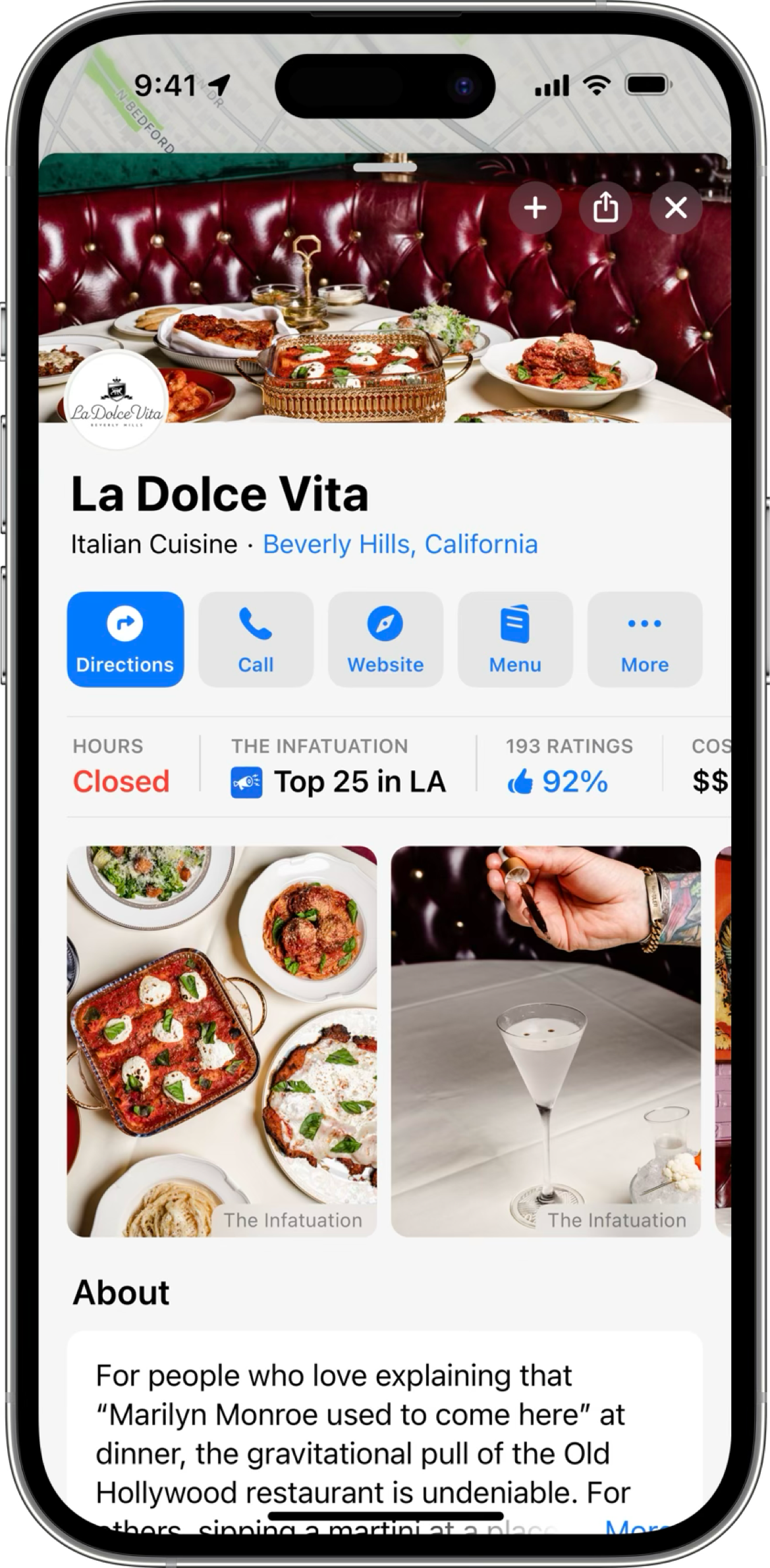
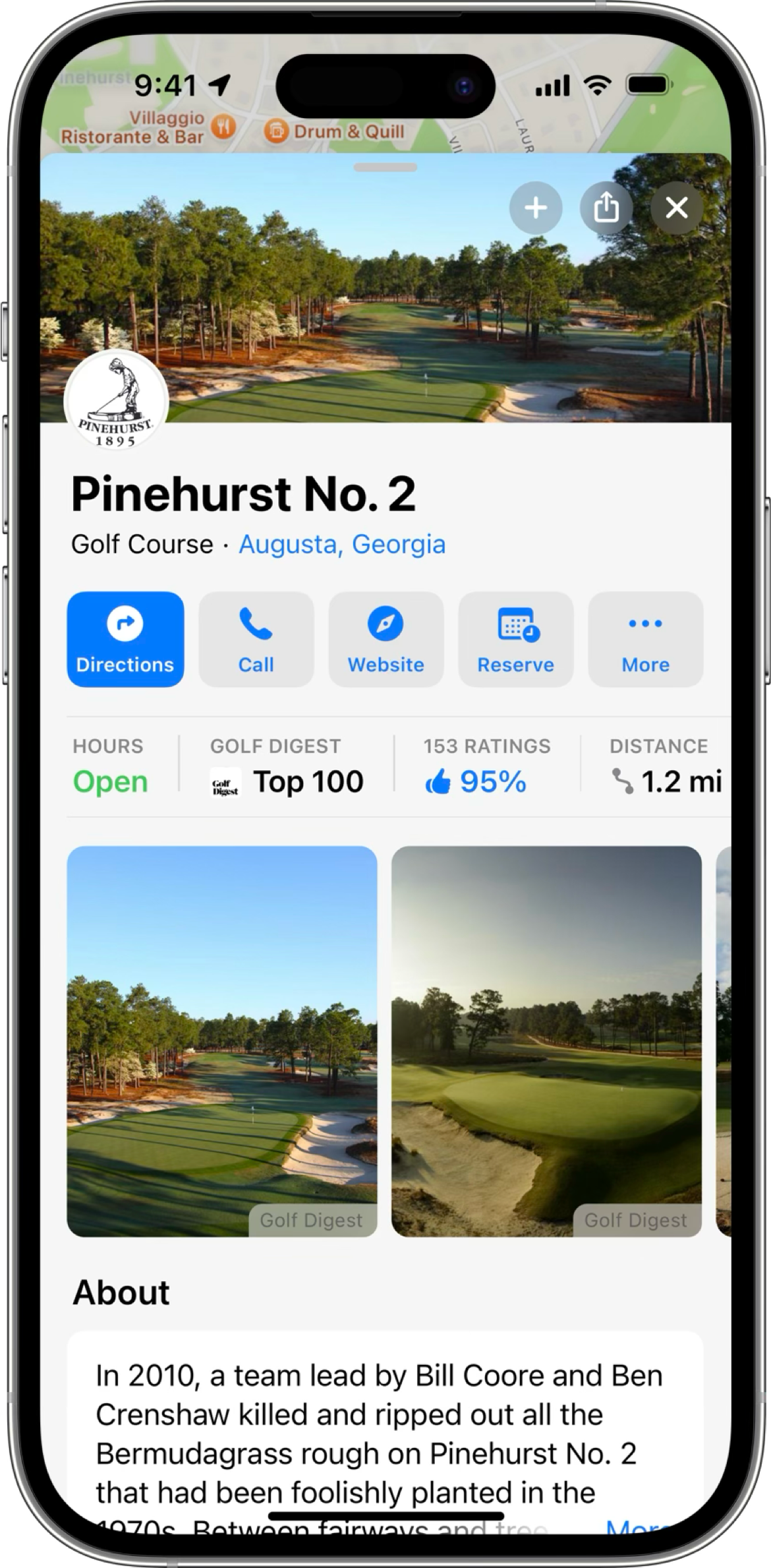
Partners use Partner API Specification > Locations > Review to provide an expert review about locations. Apple Maps enriches the place card and displays:
- Accolades
- Gallery images
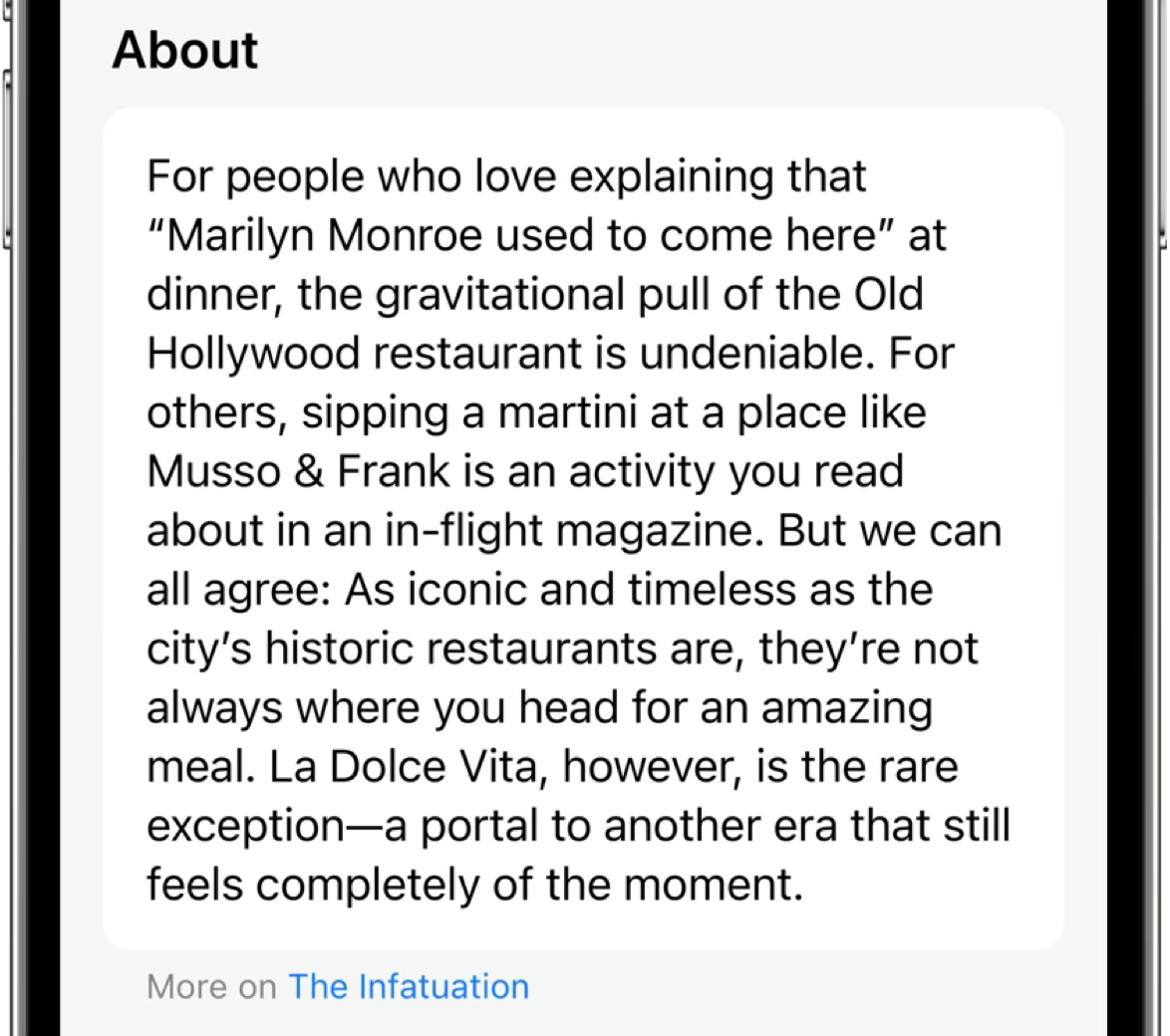
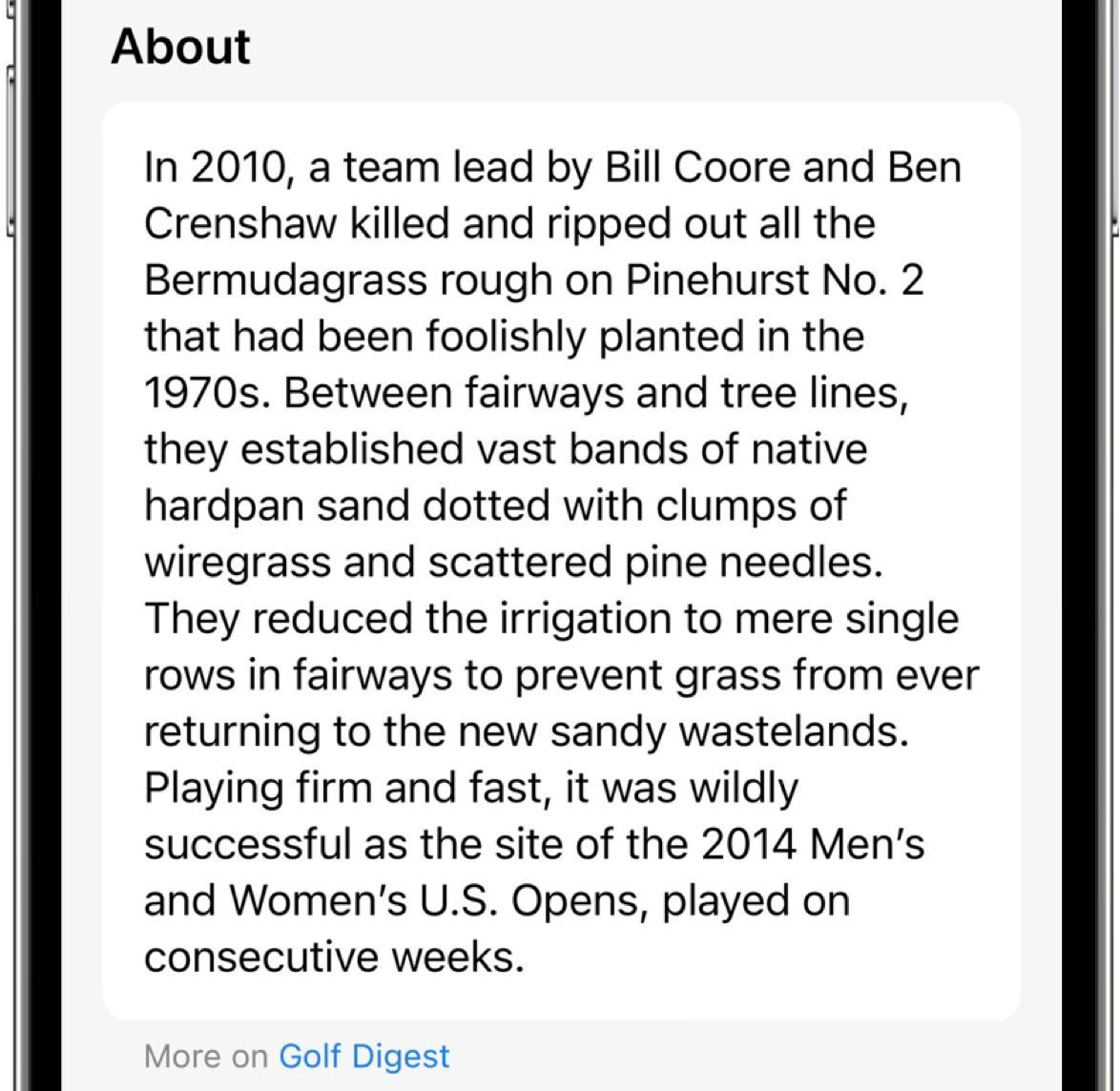
- Expert reviews in the About section
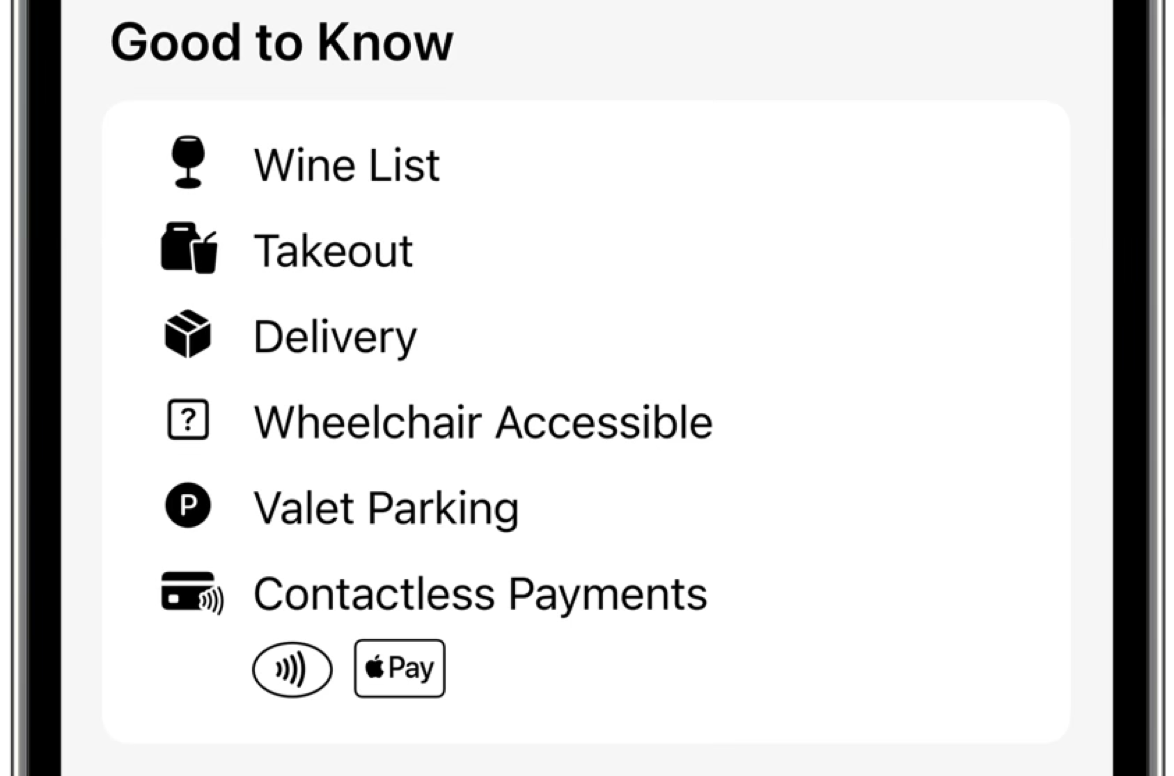
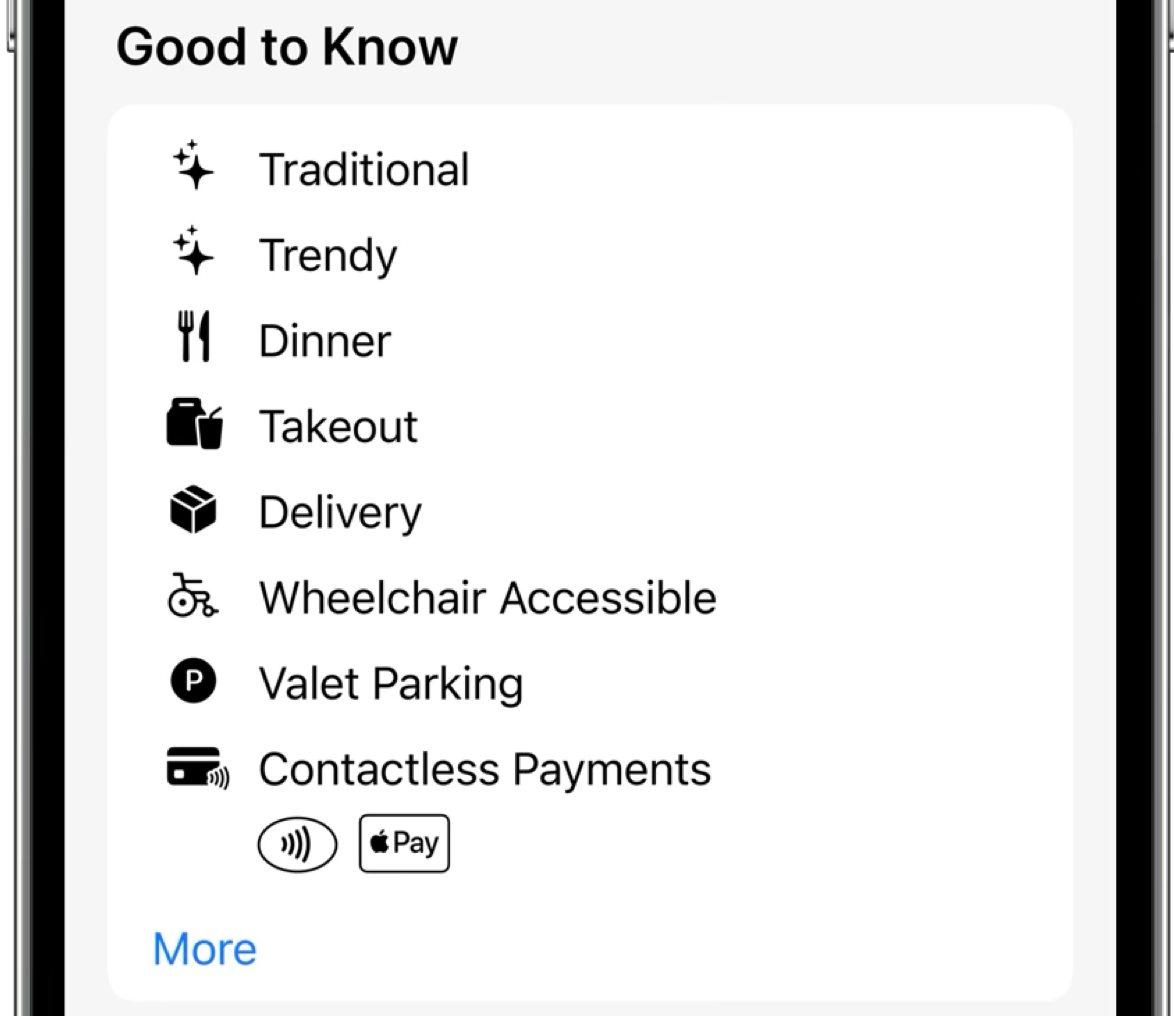
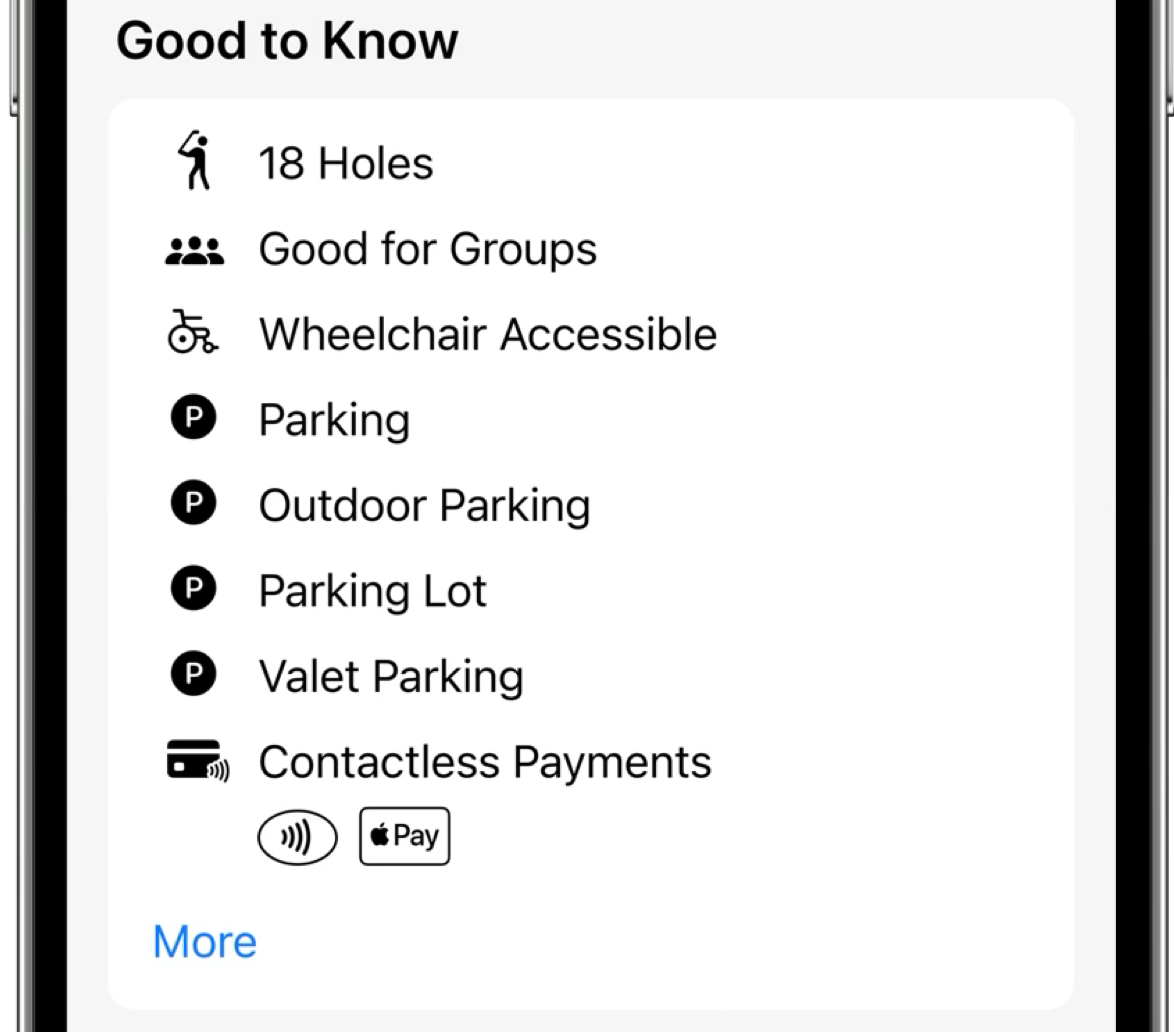
- Good to Know items
Onboarding
Follow the standard Onboarding Overview process with the following additions for partners delivering CRITIC_SUMMARY reviews:
-
Step 3 — Data Qualification: Submit data using partner-specific Location and Review attributes.
-
Step 4 — Production Launch: Apple Business validates that your attributes align with your partner agreement before granting permission to use a specialized subset of Location attributes.
Accolades
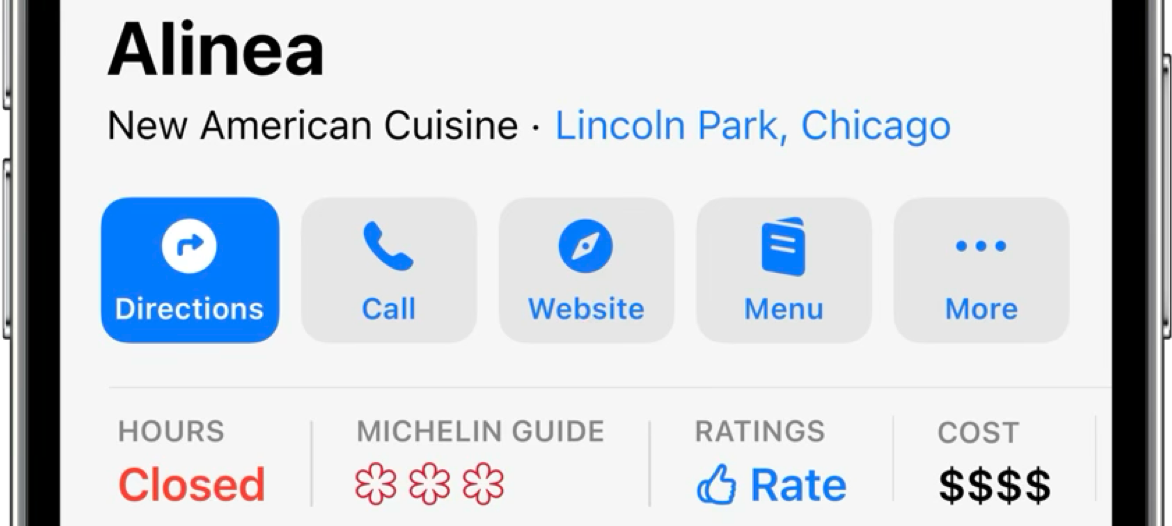
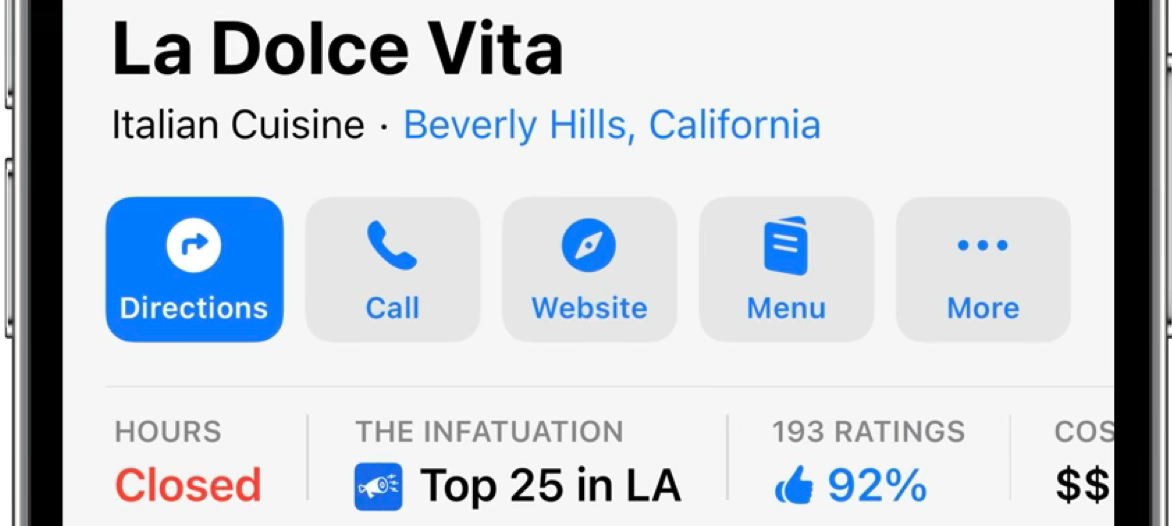
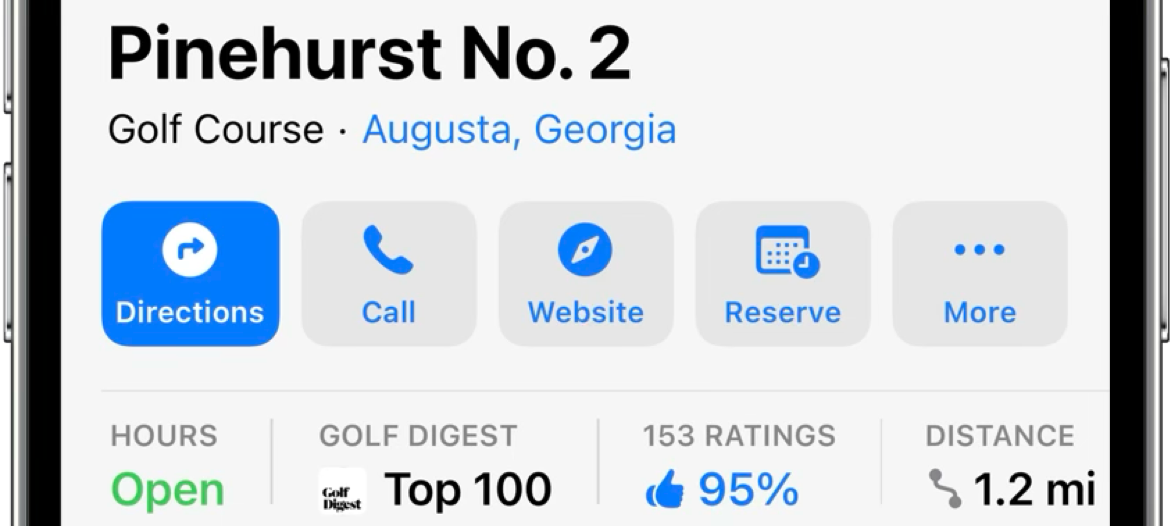
Accolades appear in the Information Ribbon. The Apple Business support team provides each partner with a list of allowable accolade values specific to their agreement. These partner-specific accolade values supplement the published location attributes (see Good to Know Items below) and are submitted using the same mechanism.
Contact your Apple Business support representative to obtain your allowable accolade list.
Gallery Images
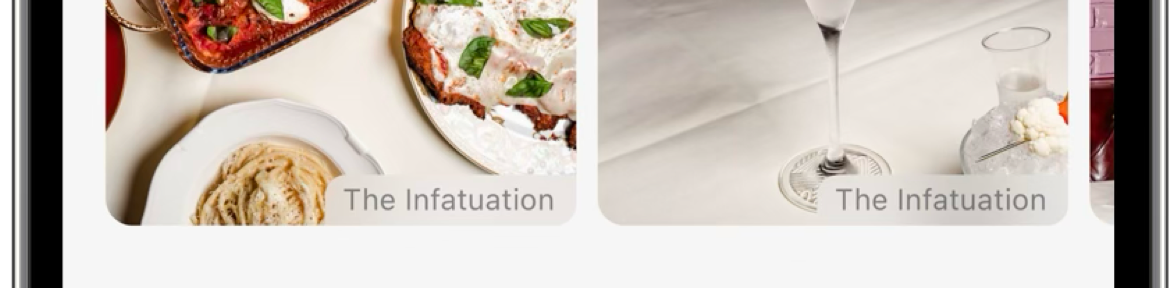
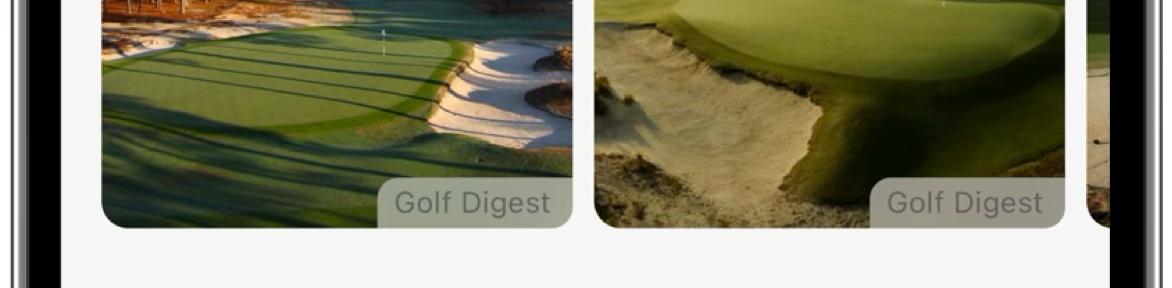
When users tap an image, Apple Maps opens the specified URL, which can link to additional images, an app, or a website where users can take additional actions.
To manage gallery images:
- Partner API Specification > Locations > Location Asset > Create and Update Location
- Partner API Specification > Resource Definitions > assetDetails
UTM codes are not allowed for web links, action links, or resource links. Partners can use pre-agreed UTM values for specific URL types only as defined in agreements with Apple.

Reviews
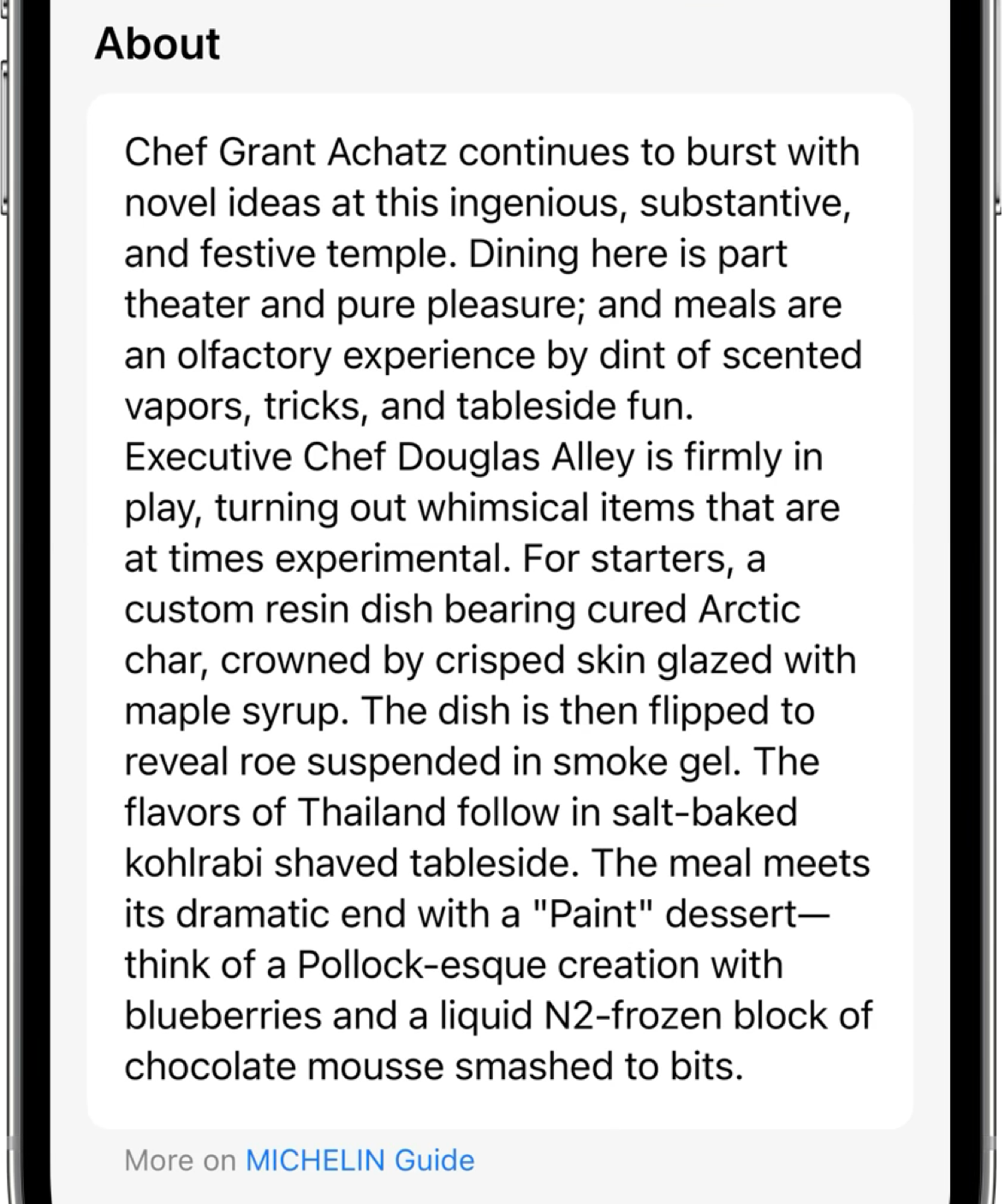
Partners provide expert reviews that Apple Maps displays in the About section. This content cannot exceed 500 characters.
To manage reviews:
- Partner API Specification > Locations > Review > Create and Update
- Partner API Specification > Resource Definitions > locationDetails > Location Descriptions
Good to Know Items
To manage Good to Know items (Location Attributes) see:
- Partner API Specification > Locations > Location > Create and Update Location
- Partner API Specification > Resource Definitions > locationDetails > Location Attributes